We’re so glad you found us! You need three things to get started on Gokid
1. A family
2. Somewhere your kids need to go
3. Friends with kids who also need to go somewhere
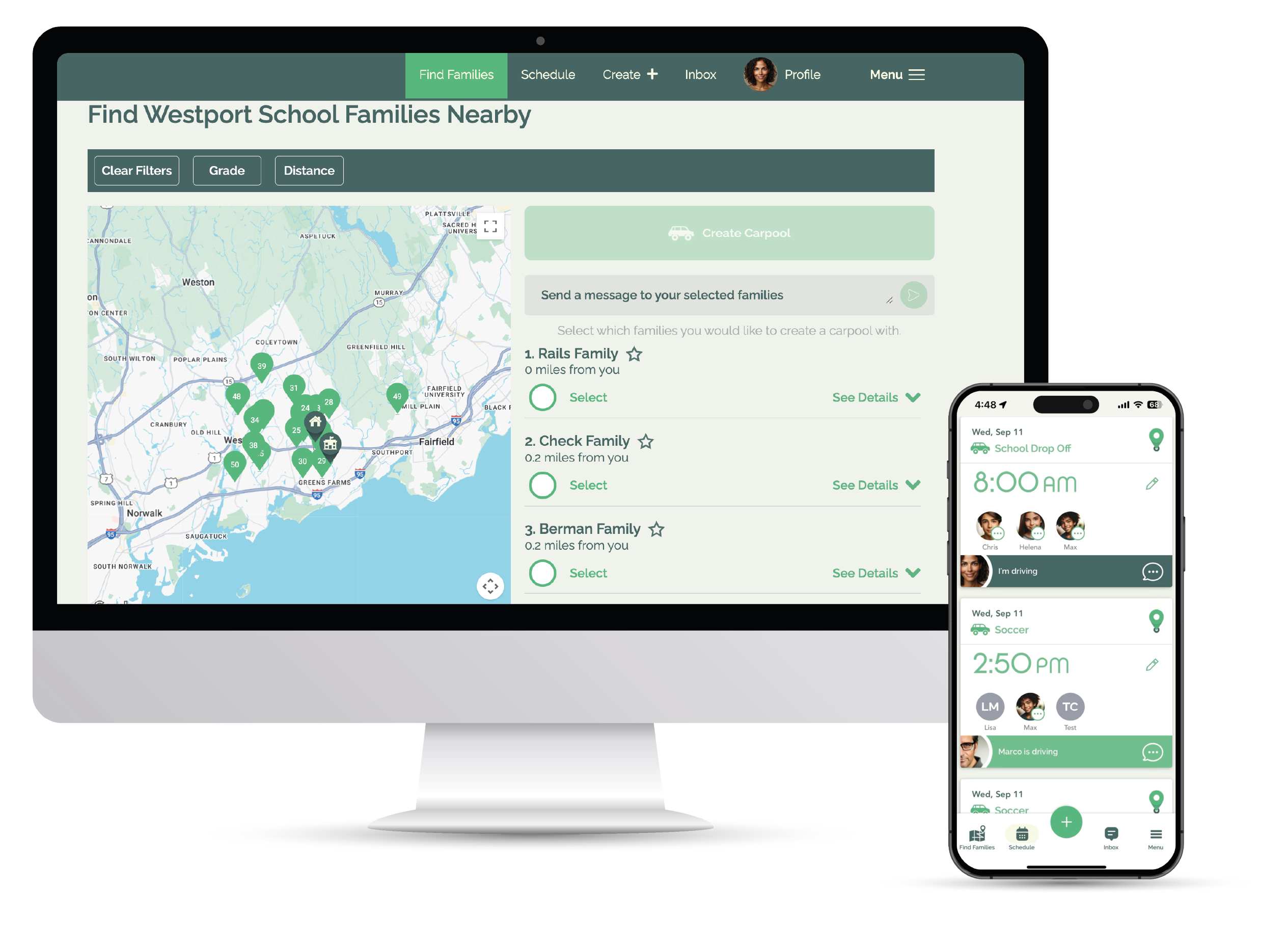
Once you’ve downloaded the app (Android or iOS) and registere you’ll simply create a profile and add your family members.
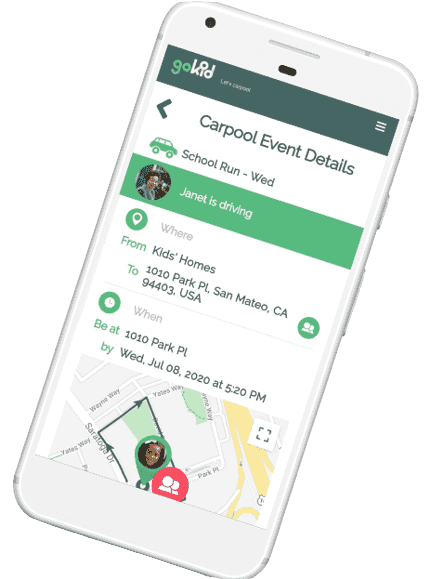
Just tap on “create” and follow the steps on the page to enter the carpool name, and when and where it happens. Then select friends to invite from your phone’s contact list or type their emails/phone numbers in manually. You can add a custom message to your carpool invitation as well.
When you save your carpool your invitations will be sent (if you added invitees). As your friends join, you’ll get notified by the app.
Lastly, volunteer to drive on the days that work best for you by scrolling through the schedule and tapping the red Select Driver button.
GoKid will ensure all participants can see the same schedule and everyone is kept reminded of when it’s their turn to participate or drive. We also plot the optimal driving route, and adjust if one or more of the kids aren’t participating on a specific date.